
When submitting works for exhibitions or competitions you will usually be asked for images of your artworks. It is important to consider the following points.
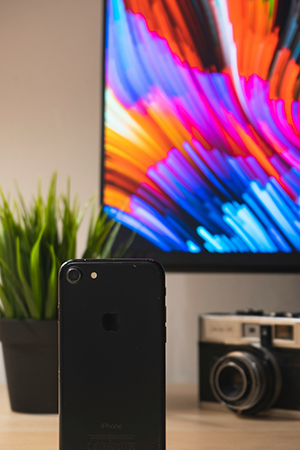
Images are often used to pre-judge your work, so they need to represent your artwork in the best possible light. Make sure they are clear and of good quality.
Ensure images are in the required format and requested resolution – usually this is as jpgs, less often tiffs, so it is good practice to have photos of your artworks in these formats stored safely and backed up ready to go. Most commonly you will be asked for jpg files under 2mb.
When sending images in an email, consider compressing the file into a zip file. This is a relatively straight forward process but may vary slightly depending on your set-up (Mac v PC). When you click on the image and then Send To, you will see a zip file option, click this and name the file. Then attach this compressed file to your email. Different computer systems may have variations to this but the process should be similar.
For larger files there are many services available, often free. Dropbox, WeTransfer, OneDrive and Google Drive are a few options.
Resources:
Photo by Giordano Rossoni on Unsplash
 Southern Printmakers Association